Quraniya vs Zoom for teaching Quran online
Quraniya vs Zoom for Quran lessons: the shared mushaf page, tajweed marks on a word, recaps, recording, free limits and group size, as of November 2026.
6 min read
Every Zoom fact on this page comes from Zoom's own pages, as of November 2026.
| Quraniya | Zoom (free Basic plan) | |
|---|---|---|
| Shared mushaf page | The same Madinah mushaf page (Hafs, 604 pages) on both devices | Your screen or a PDF, shared as a picture |
| Tajweed marks on a word | Tag a single word with a tajweed rule | Draw around the word with annotation |
| Marks kept for next week | Yes, on your student's page | Only if you save the screen as an image or PDF |
| Hide words for hifz | Yes, on your student's page, while you see the full page | No; your student closes their own mushaf |
| Lesson recap | Every lesson ends with one, plus a session history with the same teacher | Your own notes |
| Recording | Never recorded; lessons are live | Local recording to your computer |
| Free plan limit | 30 sessions a month, 60 minutes each, no card | 40 minutes a meeting |
| Group size | One to one, or free group classes up to 10 | Up to 100 participants |
| Price for paid lessons | You set it; Quraniya keeps 15%, card fees included (teachers in the UK, Ireland or the US) | Zoom takes no share; you collect payment yourself. Pro costs $16.99 a month |
| Works for children | No, adults (18+) for now | Yes, a student can join from a link you send the parents |
Zoom sources, checked 13 November 2026: Zoom pricing, annotation, computer recording.
What is the difference between Quraniya and Zoom?
Zoom is a general video tool that carries the call well. Quraniya is a room for Quran lessons, with the call beside one mushaf page that both of you see. On Zoom, the page your student sees is a picture of your screen: they can't turn it or look back at a line. On Quraniya, they have the same page of the Madinah mushaf on their own device, and when you turn it, theirs turns too.
The bigger difference shows after the lesson. On Zoom, a drawing marks a spot on the screen, not a word or an ayah, and once you clear it nothing tells you next week which words needed work. On Quraniya you mark each ayah as recited, memorised or needs work, and tag single words with the tajweed rule they need. Every lesson ends with a recap, and the session history with the same teacher shows where you stopped.
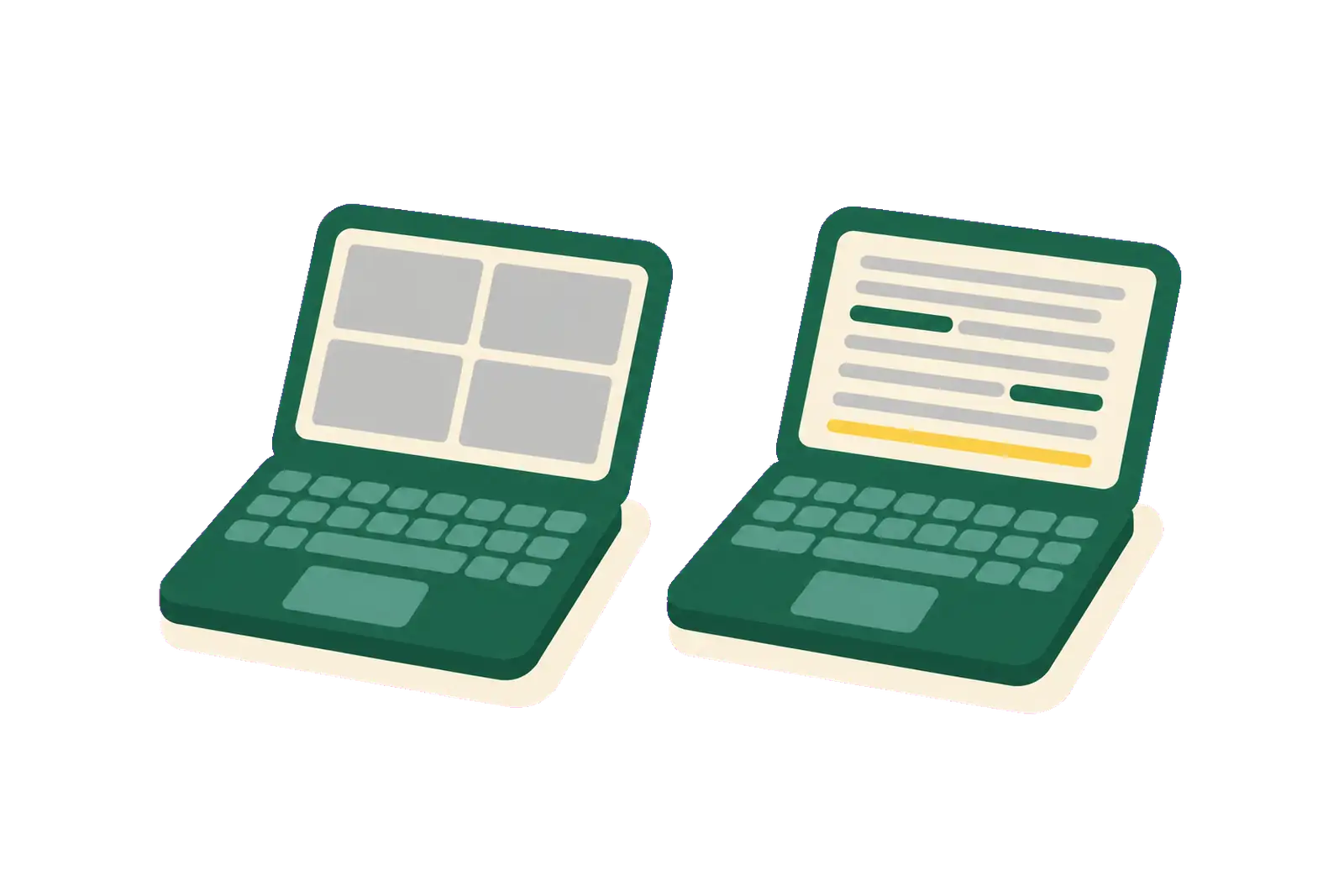
On a video call
You draw on the shared screen. Your student sees a picture of your page.
On the shared page
You tap the word and pick the rule. The mark lands on both pages.
What does Zoom's free plan give a Quran teacher?
As of November 2026, Zoom's free Basic plan gives you 40 minutes per meeting, up to 100 participants, 3 editable whiteboards and local recording. That includes one-to-one lessons, so a 45 or 60-minute lesson needs a second meeting or a paid plan. Zoom Pro costs $16.99 a month, or $14.16 a month billed yearly, per user, with meetings up to 30 hours.
Zoom has real strengths for recitation. Its Original sound for musicians mode turns off echo cancellation and noise suppression, which helps soft sounds like ghunnah come through. Zoom lists it for paid accounts, and for Basic accounts with a card on file.
Zoom Whiteboard is included too. On Basic you can keep 3 whiteboards editable at once, and you can upload a PDF, JPEG or PNG of up to 35 MB onto a board, so a mushaf page can sit there under your ink. How that compares with a shared page is in Quraniya vs a whiteboard and screen-share setup.
When is Quraniya the better choice?
Quraniya fits better when the lesson is recitation or hifz with adults, on the mushaf page:
- You want the full hour for free. Each free session runs 60 minutes, 30 a month, with no card.
- You correct tajweed word by word. You tag the word with its rule, and the tag stays on your student's page after the lesson.
- You teach hifz. You hide words on your student's page so they recite from memory, while you still see the full page. Ayah marks show what is memorised and what needs work. How to track your students' hifz progress shows how teachers use them.
- You want the record kept for you. Every lesson ends with a recap, so you don't rebuild last week from a notebook.
- Your students live anywhere. The free plan works with your own students in any country, in the browser, with nothing to install.
If you live in the UK, Ireland or the US, you can also sell paid lessons to adults. Students pay the price you set, in your own currency, and Quraniya keeps 15%, card fees included. Zoom never takes a share of your lessons, but it doesn't collect payment either. Quraniya doesn't check or vet teachers; the qualifications you list show as "Verified by teacher".
When is Zoom the better choice?
Zoom fits better than Quraniya in these cases, and many teachers keep it for them:
- You teach children. Quraniya is for adults (18+) for now. Children's classes stay on Zoom.
- Your groups are larger than 10. Free group classes on Quraniya hold up to 10 learners. Zoom's free plan holds up to 100, and a paid plan runs the meeting longer.
- You need recordings. Quraniya never records. Zoom records to your computer on the free plan.
- The lesson isn't on the mushaf. For Arabic grammar, a talk with slides or Islamic studies, a shared mushaf page adds nothing. Zoom is built for any call.
- Your students already know Zoom. If a student is settled with the Zoom app and you teach them once in a while, there is little reason to move.
- You teach a very full week. Zoom has no monthly cap on meetings. Quraniya's free plan has 30 sessions a month and Pro has 120.
How do you switch from Zoom to Quraniya?
Nothing imports from Zoom, so you move one student at a time and keep Zoom for the lessons that fit it.
- Create a teacher account from the teacher page.
- Set up a class: one to one, or a free group class for up to 10 learners.
- Send your student the class's invitation link a day ahead, the way you send a Zoom link now.
- Before the lesson, open the page you'll hear.
Your past notes stay wherever you keep them today. The full move, including what stays on Zoom, is in the Zoom alternative guide.
What do teachers ask about Quraniya and Zoom?
Is Quraniya free like Zoom?
Yes, with your own students: 30 sessions a month of 60 minutes, no card needed. Pro gives 120 sessions a month. Zoom's free plan has no monthly cap, but each meeting ends at 40 minutes.
Can I record a lesson on Quraniya?
No. Lessons are live and never recorded. What stays is the marks on the page and the recap. If a lesson needs a recording, keep it on Zoom.
Does my student need to install anything?
Not on Quraniya, which runs in the browser. Zoom recommends its desktop app, though students can join from a browser too.
Other comparisons
Other product names on this page (Zoom, Google Meet and Qutor) are trademarks of their owners. Quraniya is not affiliated with them.