Quraniya vs a whiteboard and screen-share setup (Miro, Zoom Whiteboard, Microsoft Whiteboard) for teaching Quran online
Quraniya vs a video call plus Miro, Zoom Whiteboard or Microsoft Whiteboard for Quran lessons: the mushaf page, tajweed marks, free plan limits, Nov 2026.
6 min read
Every whiteboard fact here comes from each company's own pages, as of November 2026.
| Quraniya | Video call plus a whiteboard (Miro or Zoom Whiteboard, free) | |
|---|---|---|
| Shared mushaf page | The same Madinah mushaf page (Hafs, 604 pages) on both devices | A page image or PDF you upload to the board |
| Tajweed marks on a word | Tag a single word with a tajweed rule | Ink or a sticky note drawn near the word |
| Marks kept for next week | Yes, on your student's page | Yes, the ink stays on the board, as a drawing rather than a mark on the word |
| Hide words for hifz | Yes, on your student's page, while you see the full page | By hand: cover the lines with a shape, which hides them for you too |
| Lesson recap | Every lesson ends with one, plus a session history with the same teacher | Your own notes |
| Recording | Never recorded; lessons are live | Depends on the call tool; Zoom records locally on its free plan |
| Free plan limit | 30 sessions a month, 60 minutes each, no card | 3 editable boards on each tool; Zoom meetings end at 40 minutes |
| Group size | One to one, or free group classes up to 10 | Set by the call tool: up to 100 on free Zoom or Meet |
| Price for paid lessons | You set it; Quraniya keeps 15%, card fees included (teachers in the UK, Ireland or the US) | The tools take no share; you collect payment yourself |
| Works for children | No, adults (18+) for now | Yes, check each tool's own account terms |
Sources, checked 13 November 2026: Miro pricing, Zoom Whiteboard pricing, getting started with Zoom Whiteboard, Zoom pricing, Microsoft Whiteboard app retirement.
What is the difference between Quraniya and a whiteboard setup?
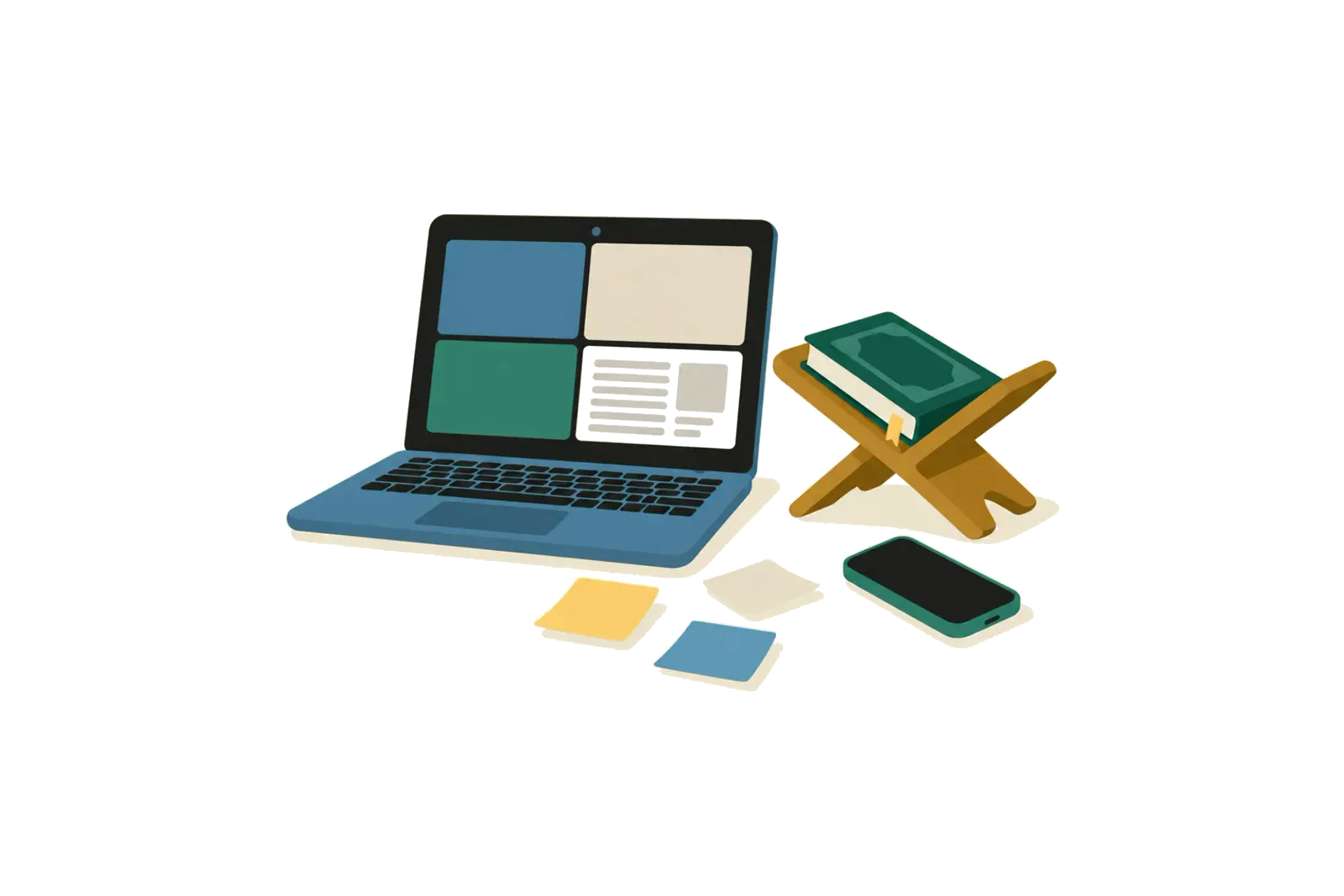
A whiteboard setup is two tools: a video call for the voice, and a board where you place a picture of the mushaf page and draw on it. It is flexible: you can put anything on the board, and your student can draw too.
Quraniya is one room with the call beside the mushaf itself. The page isn't an image you uploaded: it is the Madinah mushaf, and your student turns through it on their own device, in step with you. A mark is attached to a word or an ayah, not to a spot on a canvas. You mark each ayah as recited, memorised or needs work, tag single words with a tajweed rule, and hide words so your student recites from memory while you still see them. Every lesson ends with a recap.
What do Miro, Zoom Whiteboard and Microsoft Whiteboard give for free?
Miro. The free plan has 3 editable boards: you can create and share more, but only the three most recent stay editable. Miro lists no cap on team members on the free plan. Starter costs $8 a month per member, billed yearly. Miro also offers free Student and Educator plans that you apply for. Miro is a board, not a call, so you run Zoom or Meet beside it.
Zoom Whiteboard. Zoom's free Basic plan includes 3 concurrently editable whiteboards. The paid Whiteboard plan costs $7 a month per user, or $5.83 a month billed yearly, with no cap on editable boards. You can upload a PDF, JPEG or PNG of up to 35 MB, each board holds 200 MB outside Whiteboard Plus, and boards can't be sent to anyone without a Zoom account. The call around it is Zoom's: 40 minutes per meeting on Basic.
Microsoft Whiteboard. Microsoft retired the standalone Whiteboard apps for Windows, iOS and Android on 16 October 2026. The same page lists Whiteboard in Teams and on the web for work or school accounts. For most independent teachers, that rules it out unless a school or employer gives them a work account.
Google Meet. Meet has no whiteboard on a free account: Google's Jamboard stopped allowing new or edited jams on 1 October 2024, and Meet annotations are listed only for certain Workspace editions. Details are in Quraniya vs Google Meet.
When is Quraniya the better choice?
Quraniya fits better when the lesson is recitation or hifz with adults, on the page:
- You teach more than three students. On free Miro or Zoom Whiteboard, a fourth student's board pushes an older one out of editing. Quraniya keeps every student's marks on their own page.
- You want one room, not two tools. No uploading pages, no second link, no board to set up before each lesson.
- You correct tajweed word by word. A tag on the word carries its rule. Ink near a word only shows where you drew.
- You teach hifz. Hidden words disappear on your student's page only, while you still see them.
- You want the record kept for you. Every lesson ends with a recap, and the session history with the same teacher shows where you stopped.
- You want the full hour free. Each free session runs 60 minutes, 30 a month, with your own students in any country.
On a video call
You draw on the shared screen. Your student sees a picture of your page.
On the shared page
You tap the word and pick the rule. The mark lands on both pages.
If you live in the UK, Ireland or the US, you can also sell paid lessons to adults. Students pay the price you set, in your own currency, and Quraniya keeps 15%, card fees included. Quraniya doesn't check or vet teachers; the qualifications you list show as "Verified by teacher".
When is a whiteboard the better choice?
A whiteboard fits better than Quraniya in these cases:
- You teach children. Quraniya is for adults (18+) for now. A board with large letters and colours suits younger students.
- You teach Qaida or letter shapes. Writing a letter large, in stages, is what a blank canvas is for.
- You teach from charts. A tajweed chart, a makharij diagram or a vocabulary list sits well on a board.
- Your groups are larger than 10, on a call tool that holds them.
- The subject isn't the mushaf. Arabic grammar or Islamic studies need a canvas, not a page.
How do you switch from a whiteboard to Quraniya?
Nothing imports from Miro or Zoom Whiteboard. Export the boards you want to keep, then move one student at a time.
- Create a teacher account from the teacher page.
- Set up a class: one to one, or a free group class for up to 10 learners.
- Send your student the invitation link.
- Open the page you'll hear before the lesson starts.
Keep your board for Qaida, charts and children's classes. You can use both.
What do teachers ask about whiteboards and Quraniya?
Can I put a mushaf page on Miro or Zoom Whiteboard?
Yes. Upload an image or PDF of the page and draw over it. The ink stays on the board, but it isn't tied to the word, and your student sees whatever part of the board you both scroll to.
Is Quraniya a whiteboard?
No. Quraniya is a lesson room built around the mushaf page, not a blank canvas. For letter drills and charts, a board fits better.
Other comparisons
Other product names on this page (Zoom, Google Meet and Qutor) are trademarks of their owners. Quraniya is not affiliated with them.